
By Accountrix Solutions · Updated November 2026
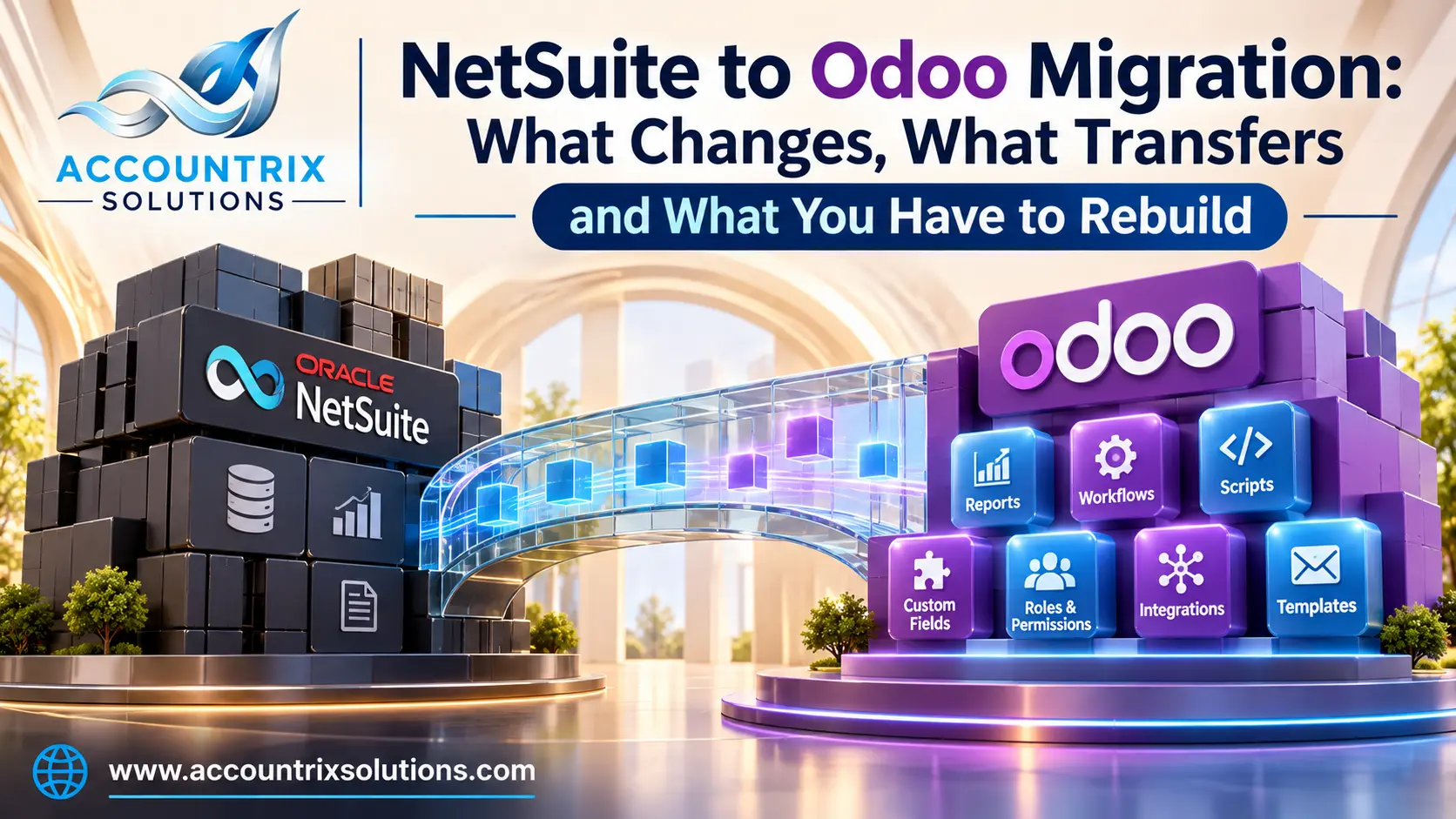
A NetSuite to Odoo migration moves your data, but not your logic. Customers, vendors, items, the chart of accounts, opening balances and open invoices transfer through exports and imports. Subsidiaries, classes, departments and locations map to structures you design again in Odoo. Saved searches, workflows, scripts and roles do not transfer at all, so you rebuild them with Odoo filters, automation rules, access groups and, where needed, custom code. That rebuild is where most of the time and budget goes. This guide shows what changes, what transfers, what to rebuild, what to export from NetSuite while you still have access, and when moving is the wrong call.
- Data moves. Logic does not. Plan the rebuild first, and the import second.
- Subsidiaries become companies in one Odoo database. Classes, departments and locations become analytic plans and warehouses.
- Seven things must be rebuilt: searches, workflows, scripts, custom records, roles, integrations and print templates.
- Export from NetSuite early, and keep the Internal ID of every record.
- Moving is the wrong call if nothing is documented, the contract deadline is tight, or the advanced features are untested.
The facts about NetSuite come from Oracle’s NetSuite Help Center. The facts about Odoo come from Odoo’s documentation. Both were checked in November 2026. Your NetSuite contract and your Odoo plan can change the details, so confirm them before you plan.
What changes when you leave NetSuite for Odoo
People often search for NetSuite vs Odoo to compare features. For a migration, the more useful comparison is how each system is built, because that decides what you have to redo. Here is how they differ in the ways that matter:
| Topic | NetSuite | Odoo |
|---|---|---|
| How it is built | One vendor’s cloud suite, customized on its own platform | A set of apps you choose and combine |
| Custom logic | SuiteScript for code, SuiteFlow for workflows | Settings, automation rules and Studio, or Python modules written by a developer |
| Several entities | Subsidiaries | Several companies in one database, with inter-company transactions |
| Reporting slices | Classes, departments and locations | Analytic plans and accounts |
| Hosting choices | Hosted by the vendor | Odoo Online, Odoo.sh or your own server, each with different limits |
The difference that surprises people most is the last one. In NetSuite, hosting is not a decision. In Odoo, it decides what you can customize, so make it early.
A NetSuite to Odoo migration is a platform change, not an upgrade
The word migration means two different jobs in the Odoo world. One is an Odoo upgrade: moving a database from one Odoo version to a newer one, which follows Odoo’s own upgrade process. The other is a platform change: moving from a different system, such as NetSuite, into Odoo. They share a word, but not the method. With an upgrade, the structure stays the same. With a platform change, the structure is rebuilt, and the data has to be reshaped to fit. If you later upgrade between Odoo versions, that is a separate job, and our Odoo migration services page explains how it works.
A platform change usually follows these stages:
- Discover and map. List everything NetSuite does for you, and decide what each part becomes in Odoo.
- Clean and extract. Fix the data in NetSuite, then export it with Internal IDs.
- Build the target. Set up companies, chart of accounts, taxes, warehouses and users in Odoo.
- Load and tie out. Import the data, then check that balances match.
- Rebuild the logic. Recreate searches, workflows, scripts and templates.
- Test and train. Run real cases, and train the people who will use them.
- Cut over and archive. Switch, run a first close, and archive what you exported.
NetSuite vs Odoo mapping: what each NetSuite concept becomes
This is the table most guides leave out. Read it before you design anything, because it shows what you will be redesigning.
| In NetSuite | Becomes this in Odoo | What to watch for |
|---|---|---|
| Subsidiaries | Companies in a multi-company database | Odoo’s documentation says new products and contacts are shared across companies by default. Restrict them where needed. On Odoo Online, multi-company is available only in One App Free databases or on Custom plans. |
| Inter-company transactions | Odoo’s inter-company transactions feature | Products must be shared between the companies involved. Fiscal positions and localizations need careful setup. |
| Classes and departments | Analytic plans and analytic accounts | Decide your reporting dimensions first. Each plan is one dimension. |
| Locations | Warehouses and stock locations | Locations used only for reporting may belong in analytic plans instead. |
| Saved searches | Filters, favorites, grouped views and reports | There is no import. Collect the list of searches people really use, and rebuild those. |
| SuiteFlow workflows | Automation rules and approvals | Document each workflow in plain words before you rebuild it. |
| SuiteScript | Server actions or custom modules | Custom modules are not allowed on Odoo Online. |
| Roles and permissions | Users, groups and access rights | Design them from jobs, not by copying NetSuite roles one to one. |
| Custom records and fields | Custom fields and models, through Studio or a developer | Every custom field is something to test at each upgrade. |
| Items | Products, with categories and variants | Give every product a unique code, and keep the NetSuite Internal ID. |
| Customers and vendors | Contacts | Merge duplicates before you export. |
| Forms and templates | Document layouts, report templates and email templates | Each printed form must be redesigned. |
What transfers: the data
Data is the easier half of a NetSuite to Odoo migration, because both systems work with files. Plan to move:
- Customers, vendors and employees
- Items, with their categories and units
- The chart of accounts for each entity
- Opening balances at the cutover date
- Open customer invoices and vendor bills, with due dates
- Stock quantities and values by location
- Open sales and purchase orders, if you need them
- Transaction history, as full detail or as yearly summaries
Getting data out of NetSuite
Oracle’s NetSuite help lists several ways to extract data. There is a Full CSV Export task under Setup, then Import/Export, then Export Tasks. You can also export saved search results and reports to CSV, write a SOAP web services program, or use SuiteAnalytics Connect, which reads data through ODBC, JDBC or ADO.NET drivers. Oracle notes that ODBC access is an additional service with a fee. Oracle also says all of these methods can preserve the relationships between records if you export the Internal ID with each row, and that reports can be easier than saved searches for financial data, because totals are easier to match.
Getting data into Odoo
Odoo’s import documentation explains that you can import many record types from .xlsx or .csv files, and that the import screen offers templates with the field mapping already done. It also recommends external IDs when you import from another application. Use the NetSuite Internal ID as the external ID. It lets you load records in stages, link them to each other, and re-run a load without creating duplicates.
What you have to rebuild: 7 things that do not transfer
Nothing in this list moves with a file. Each item needs a decision, a design and a test. The bars show the effort that projects usually put into each one: more filled means more work.
Saved searches and reports
Medium
Start with the ones people open every week. Rebuild those as filters and reports, and retire the rest.
Workflows (SuiteFlow)
Heavy
Approvals, status changes and notifications. Write down what each one does and who relies on it, then rebuild with automation rules and approvals.
Scripts (SuiteScript)
Heaviest
Each script holds a business rule that someone once asked for. Many can be replaced by a setting, some by a Studio change, and a few need custom code. Custom code is the part that costs the most and has to be re-tested at every Odoo upgrade. Odoo’s upgrade documentation says a database with custom modules cannot be upgraded until a version of those modules exists for the target version. When a rule truly needs code, our Odoo customization services team can rebuild it so it survives upgrades.
Custom records and fields
Medium to heavy
Export the definitions and the data. Decide which fields still matter, and recreate those in Odoo.
Roles and permissions
Medium
Design access from the work people do. A copy of the old roles carries old habits into the new system.
Integrations
Heavy
Your store, bank, payroll, shipping and EDI links all point at NetSuite today. Each one must be pointed at Odoo, and tested.
Print and email templates
Light to medium
Invoices, purchase orders, statements and the emails that carry them need new layouts.
Your NetSuite exit plan: what to export while you still have access
Access to NetSuite ends on a date set by your contract, and some things are hard to get after that. Check the notice period and the post-termination access terms first. Then use the three stages below.
- Read the contract: notice period, end date, post-termination access
- List every integration and where its credentials are stored
- Export users and role definitions
- Export financial statements for each period, as PDF and as data
- Export master data and open items, with the Internal ID on every row
- Export custom record and field definitions
- Document each saved search, workflow and script in plain words
- Download the SuiteScript source files from the File Cabinet
- Run a trial load into Odoo, and compare totals
- Export transaction history for the years you need
- Pull the audit trail: System Notes and User Notes, using note searches
- Download attachments from the File Cabinet, as a separate task
- Check that every export opens, and that totals match the reports
- Store the archive somewhere you control
Two notes on the harder items. Attachments take planning: independent guides report that the File Cabinet has no one-click bulk download, so the files usually need a saved search and a script or the REST API. And the audit trail is easy to forget. Oracle describes System Note and User Note searches for notes data, and these records may matter for audits long after go-live.
When moving from NetSuite to Odoo is not the right call
Moving is not always wise. Honest advice saves projects. Wait, or run a pilot first, if any of these are true:
You expect a lift and shift
Nothing in NetSuite will run in Odoo as it is. If the plan assumes your logic will come along, the budget is wrong.
Nothing is documented
If your scripts and workflows live in a few people’s heads, the migration turns into a discovery project. Document first.
The contract date leaves no room
You need time for a trial load, a parallel month-end close and the rebuild. A tight renewal date forces a rushed cutover.
Your advanced features are untested
If you rely on complex revenue recognition, multi-book accounting or consolidation across many entities, test that exact process in Odoo in a pilot before you commit.
Nobody owns the project
A migration needs a business owner, time for key users and a sponsor. Without them, it stalls at the first hard decision.
A simple way to test the fit
Before you sign a full project, run a short pilot on one subsidiary or one process. Load a small set of real data, rebuild one workflow, and run one month of transactions in a copy of Odoo. Then compare results with NetSuite. A pilot costs little next to a failed migration, and it shows you what the rebuild will really take.
Frequently asked questions
Can I migrate from NetSuite to Odoo?
Yes. Master data, the chart of accounts, opening balances and open invoices and bills transfer through exports from NetSuite and imports into Odoo. Subsidiaries, classes, departments and locations map to structures you design in Odoo. Saved searches, workflows, scripts and roles do not transfer, and must be rebuilt.
What transfers from NetSuite to Odoo, and what does not?
Data transfers: customers, vendors, items, the chart of accounts, opening balances, open transactions and, if you choose, history. Logic does not: saved searches, workflows, scripts, custom roles and print templates have to be rebuilt in Odoo.
How do I export data from NetSuite?
Oracle’s NetSuite help lists the Full CSV Export task, CSV exports of saved searches and reports, SuiteTalk web services, and SuiteAnalytics Connect, which uses ODBC and carries an additional fee. Oracle advises exporting the Internal ID with each row, to preserve relationships between records.
Do NetSuite workflows and scripts work in Odoo?
No. Document what each one does, then rebuild the behavior with Odoo settings, automation rules, approvals or custom code. On Odoo Online, custom modules are not allowed, so check your hosting before you plan the rebuild.
Can Odoo handle multiple subsidiaries like NetSuite OneWorld?
Odoo supports several companies in one database, with inter-company transactions. Odoo’s documentation says multi-company on Odoo Online is available only in One App Free databases or on Custom plans. Test your consolidation and reporting needs in a pilot before you commit.
Can I keep NetSuite running while I move to Odoo?
Usually yes, and it is wise to run both for at least one full month-end close. Check your contract for the notice period and for how long you keep access after the end date, so you can still retrieve data.
Is Odoo cheaper than NetSuite?
It depends. Compare the total cost, not only the license: the rebuild of scripts and workflows, data migration, integrations, training, hosting and support all count. A comparison that leaves out the rebuild is not a fair one.
Final thoughts
A NetSuite to Odoo migration succeeds when you treat it as a redesign with a data load attached, and not as a file transfer. Map each NetSuite concept to its Odoo answer, plan the seven rebuilds first, export early while access lasts, and test the hard parts in a pilot. If the pilot passes, move with confidence. If it does not, you learned that cheaply, before the contract date made the decision for you.
Thinking about leaving NetSuite? Tell us what you run today and what you want to keep, and we will tell you what to check first.
Tell us what you want to move from NetSuite
Leave a comment