
-
November 19, 2026
-
15 Views
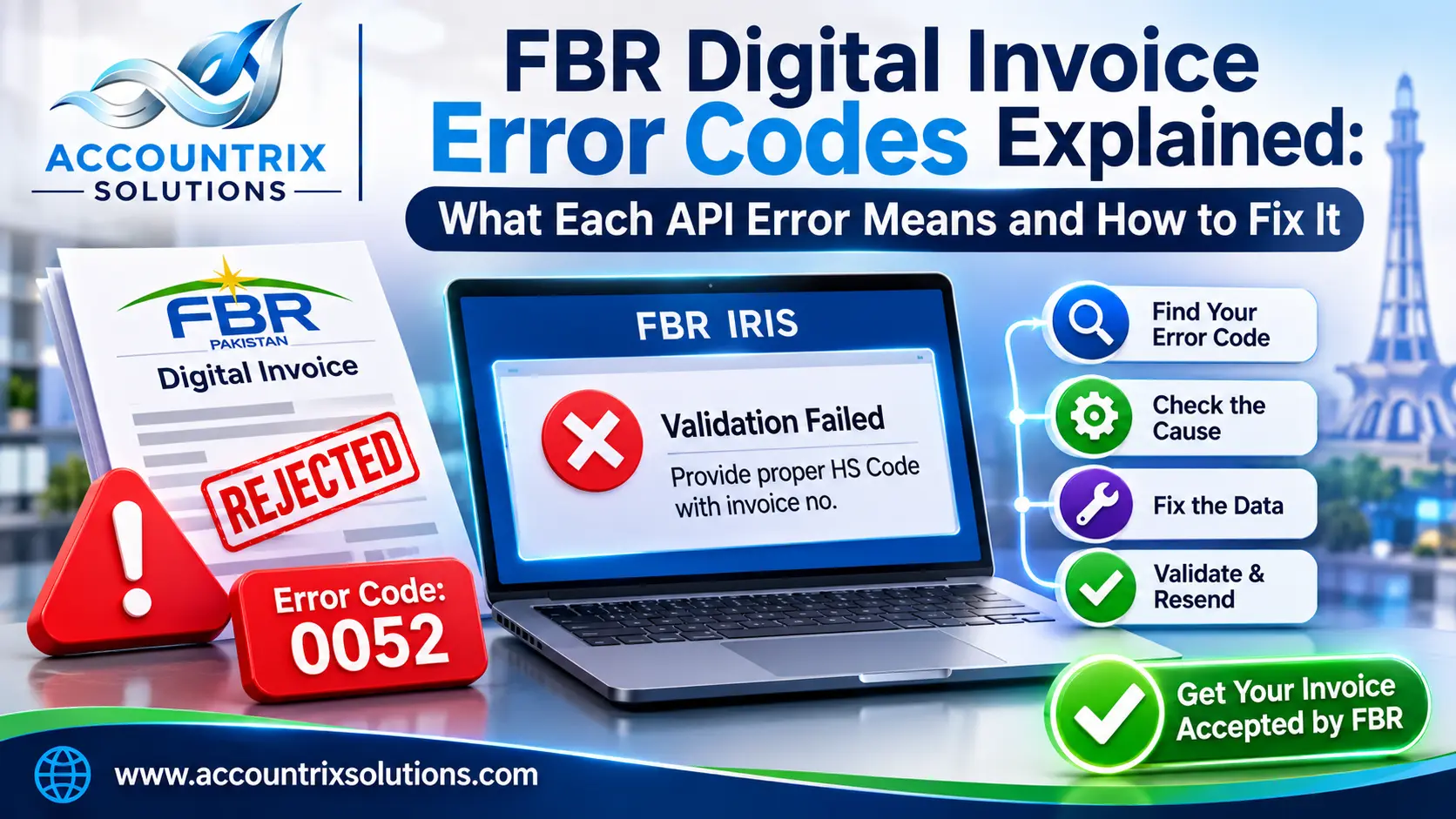
FBR Digital Invoice Error Codes Explained: What Each API Error Means and How to Fix It
An FBR digital invoice error codes are a four-digit numbers the Digital Invoicing API sends back when it rejects an invoice. The message beside it names the field that failed. That means the fix usually sits in your own customer, product or tax data, not in FBR’s system. Find your code in the tables below, correct the field it points at, and send the invoice again.
This guide is for the moment an invoice has been rejected and you need to know why. If rejections keep piling up, the cause is usually the data behind the invoices and not one invoice, and our team can set up FBR digital invoicing integration so values are checked before they reach FBR. If you prefer to fix things yourself, each code below is explained in plain words, grouped by what usually goes wrong.
In one line: read the errorCode and the itemSNo in FBR’s response. The code tells you what failed, and the item number tells you which invoice line to fix. Correct it at the source, such as the customer record or product record, then validate again.
Before you resend
- Sales error codes start at 0001. Codes 0401 and 0402 cover access problems.
- A status code of 00 means valid, and 01 means invalid.
- An HTTP 401 means the token is missing or wrong. It does not mean your invoice data is wrong.
- FBR also has a separate set of purchase error codes. This guide covers the sales codes.
- Exact wording can change between versions of FBR’s document, so check the current one for your case.
Reading the response FBR sends back
FBR’s response has an invoice-level part and a line-level part. The sample below is simplified from the one in PRAL’s technical document:
{
  "validationResponse": {
    "statusCode": "01",
    "status": "Invalid",
    "errorCode": "0052",
    "error": "Provide proper HS Code with invoice no.",
    "invoiceStatuses": [
      {
        "itemSNo": "1",
        "statusCode": "01",
        "status": "Invalid",
        "errorCode": "0046",
        "error": "Provide rate."
      }
    ]
  }
}
Here the top-level error points to the HS code, while line 1 has its own problem with the rate. One response can carry both, so fix every line listed before you resend. The same codes appear while you are still testing, so if that is where you are, our guide to FBR digital invoicing sandbox testing shows which scenarios to pass first.
Five steps for any rejected invoice
- Check the HTTP status. A 401 means a token problem, and a 500 means an FBR-side error. FBR’s document says to contact the administrator for a 500.
- Read the errorCode and itemSNo. Note the line number for every error.
- Find the code in the tables below. They are grouped by the type of data involved.
- Fix the source, not the invoice. Correct the customer, product or tax setting so the error does not return.
- Validate, then post. FBR has a validate call that checks an invoice without posting it. Use it first.
Jump to your group
Seller and buyerRegistration number, name, province
HS code, unit, quantityLine item problems
Sale type, rate, SRO0003, 0007, 0046, 0077
Tax amounts and values0018 to 0105, 0300, 0302
Dates0042, 0043, 0113
Debit notes0026 to 0067
Sector rulesCotton, steel, EFS and others
Access and connection401, 402, 500
Every FBR sales error code, grouped by cause
The codes below come from the Sales Error Codes section of PRAL’s technical specification for the DI API (version 1.12). We cross-checked them against a published copy of FBR’s Sales error guide. The explanations are ours, written in plain words.
Seller and buyer details
| Code | What it means | How to fix it |
|---|---|---|
0001 | FBR cannot match the seller number to an active sales tax registration. | Check the seller NTN or CNIC in your company profile and token setup. |
0082 | The seller number does not belong to a registered person. | Send a valid seller NTN or CNIC. |
0108 | The seller number is in the wrong format. | CNIC is 13 digits. NTN has no dashes, spaces or special characters. |
0002 | The buyer registration number is in the wrong format. | Use the same format rules as 0108, for the buyer. |
0071 | The buyer NTN is not valid. | Verify the NTN with the buyer or on FBR’s system and correct the record. |
0010 | The buyer name is missing. | Fill in the buyer’s business name. |
0012 | The buyer registration type is missing or not on FBR’s list. | Use a value from FBR’s reference list, such as Registered or Unregistered. |
0053 | The registration type you sent does not match the buyer’s FBR profile. | Check whether the buyer is actually registered and send the matching type. |
0058 | Buyer and seller carry the same registration number. | Self-invoicing is not allowed. Fix the wrong number. |
0073 | The seller province is missing or not valid. | Take the province from FBR’s province reference list. |
0074 | The buyer province is missing or not valid. | Same fix, for the buyer. |
Nearly all of these are customer master problems. Verify each buyer once when you create the record, and again when the address changes, instead of at every invoice. If your invoices come out of Odoo, the clean place to fix this is the customer record plus the connection that maps it to FBR’s format. That connection is what our Odoo integration services team builds.
HS code, unit of measure and quantity
| Code | What it means | How to fix it |
|---|---|---|
0019 | The HS code is missing or not valid. | Get the code from FBR’s HS code reference. |
0044 | The HS code field is empty. | Every line needs an HS code. |
0052 | The HS code does not belong with the sale type on that line. | Pick an HS code that FBR lists for that sale type. |
0099 | The unit of measure is not allowed for that HS code. | Look up the units FBR accepts for the code and use one of them. |
0098 | Quantity is empty on a goods sale. | Quantity is required for goods. |
0060 | A service charged per square yard needs SqY as the unit. | Set the unit to SqY for the 50 or 100 per SqY rate. |
0061 | Services with FED in ST mode at the 200 per bill rate need Bill of lading as the unit. | Change the unit to Bill of lading. |
0062 | Steel melting and re-rolling needs MT as the unit. | Change the unit to MT. |
0097 | Potassium chlorate needs KG as the unit. | Use KG with the right HS code. |
0101 | Toll manufacturing was entered as a service. | Choose the HS code and sale type that fit toll manufacturing. |
Why 0052 and 0099 are so common. HS codes and units live in FBR’s reference lists, and a code can be valid but still wrong for the sale type or unit you picked. Store the right HS code, unit and sale type once in your product master and let invoices read from it.
Invoice type, sale type, rate and SRO
| Code | What it means | How to fix it |
|---|---|---|
0003 | The invoice type is empty or not valid. | Use a type from FBR’s document type reference. |
0007 | The sale type is not on FBR’s list. | Copy the exact sale type text from the reference list. |
0013 | The sale type is empty. | Send a sale type on every line. |
0020 | The rate is empty or null. | Send the rate for the sale type. |
0046 | The rate does not fit the sale type. | Check which rates FBR allows for that sale type and date. |
0077 | The rate is not 18%, so an SRO or schedule number is required. | Add a valid SRO or schedule number for that rate. |
0078 | An SRO is given, but the item serial number is missing or wrong. | Add the item serial number that belongs to that SRO. |
0079 | Above 20,000 per unit, the 5% rate is not allowed for electricity supply to retailers. | Use the rate FBR lists for that value. |
0059 | The declared price is below the minimum notified price. | Raise the declared value to at least the notified minimum. |
0091 | Extra tax was sent on a reduced-rate sale. | Remove the extra tax, or recheck that the sale type is really reduced rate. |
Tax amounts and values
| Code | What it means | How to fix it |
|---|---|---|
0018 and 0023 | The sales tax amount is empty. Both codes carry the same message. | Send the tax amount, even where it is zero. |
0021 | Value of sales excluding ST is empty. | Send the line value before tax. |
0090 | A Third Schedule sale has no fixed or notified value, or retail price. | Fill the retail price field. |
0102 | For Third Schedule goods, your tax does not match FBR’s calculation. | Work out the tax on the retail price, not on the selling price. |
0103 | For potassium chlorate, your tax does not match FBR’s calculation. | Check the rate listed for that sale type. |
0104 | Tax does not equal sale value multiplied by the rate. | Recalculate the tax from the value on the same line. |
0105 | Tax does not equal quantity multiplied by a per-unit rate. | Recalculate the tax from the quantity. |
0300 | A numeric value is negative, empty, null or sent as text. | Send plain, non-negative numbers. |
0302 | Too many decimal places. | Use up to 2 decimals, and up to 4 for quantity. |
These errors appear when your system’s arithmetic and FBR’s do not agree. A common reason is rounding: your ERP rounds at the end of the invoice, while FBR checks each line. Move the tax calculation into the software and make it round the same way for every line.
Dates
| Code | What it means | How to fix it |
|---|---|---|
0042 | The invoice date is empty. | Send the date. |
0043 | The invoice date is in the future. | Use today’s date or an earlier one. |
0113 | The date format is wrong. | Use YYYY-MM-DD, for example 2026-11-18. |
Debit notes and reference invoices
| Code | What it means | How to fix it |
|---|---|---|
0026 | A debit note has no reference invoice number. | Add the number of the original invoice. |
0027 | A debit note has no reason. | Pick a reason from FBR’s list. |
0028 | The reason is “Others” but remarks are missing. | Write the remarks. |
0029 and 0035 | The debit note date is earlier than the original invoice date. | Date it the same day or later. |
0034 | The debit note is more than 180 days after the original invoice. | It must be added within 180 days of the reference invoice. |
0057 | The reference invoice does not exist. | Check the reference invoice number. |
0067 | The debit note is larger than the original in quantity, value or tax. | Keep each at or below the original. |
A numbering warning. Some third-party lists number 0057 and 0058 differently, and FBR has added codes between versions. Trust the message text in your own response, and compare it with the current PRAL document.
Sector rules
| Code | What it means | How to fix it |
|---|---|---|
0008 and 0050 | For cotton ginners, tax withheld at source is wrong. | It must be zero, or equal to the sales tax. |
0022 | Cotton ginner sale with no tax withheld at source. | Send the value. |
0100 | A cotton ginner sale to an unregistered buyer. | The buyer must be registered. |
0056 | Toll manufacturing sold to a buyer outside the steel sector. | Use a steel-sector buyer. |
0086 | The seller is not an EFS licence holder who imported compressor scrap in the last 12 months. | Only such sellers can use this sale type. |
0093 | A manufacturer tried to add non-adjustable supplies. | Manufacturers cannot use Eighth Schedule Table I, serial 81. |
Access and connection
| Code | What it means | How to fix it |
|---|---|---|
0401 | Unauthorized seller access. | Check that the token belongs to this seller’s registration. |
0402 | Unauthorized buyer access. | Check the buyer details and what the token allows. |
| HTTP 401 | The token is missing or invalid. | Send the token as a bearer token, and make sure it matches the environment, sandbox or production. |
| HTTP 500 | An internal error at FBR’s end. | Wait, retry later, and contact the administrator if it persists. |
Handling rejections day to day
Fixing one invoice is easy. The harder part is making sure rejections do not pile up or get lost. A simple routine helps:
- Park, do not delete. Keep a rejected invoice in a queue with its error code beside it.
- Give each code an owner. Buyer codes go to whoever manages customers, line codes to whoever manages products, and tax codes to finance.
- Fix the record, then retry. Editing only the invoice brings the same error back on the next one.
- Validate before you post. The validate call checks an invoice without posting it.
- Review once a week. A short list of repeat codes shows you which master data needs cleaning.
FBR error code FAQ
What does FBR error 0052 mean?
The HS code does not match the sale type you chose on that line. Pick an HS code that FBR lists for the sale type, or change the sale type.
What does FBR error 0046 mean?
The rate is missing, or it is not allowed for the sale type. Check the rates FBR lists for that sale type and date.
Why do I get error 0099?
The unit of measure is not accepted for the HS code. FBR keeps a list of allowed units for each code, so use one of those.
Is a 401 error a problem with my invoice?
No. It points to the token, which is missing or invalid. Check that you are sending the right token for the right environment.
Can I fix an invoice FBR has already accepted?
The error list includes debit note rules, such as the 180-day limit from the original invoice date. Ask your tax adviser how corrections apply to your case.
Where is the official list of error codes?
It is in the Sales Error Codes section of PRAL’s technical specification for the DI API. Use the latest version.
One last check
An FBR error code looks cryptic, but each one points at a field. Read the code and line number, fix the source record, validate, then post. Over time, the fewer errors you see, the cleaner your customer and product data has become.
Seeing an error code you cannot clear? Send us the code and the response, and we will tell you what to check first.

Related Articles
Odoo Year-End Closing: Fiscal Year, Lock Dates and Opening Entries Explained
-
November 21, 2026
-
4 Views
FBR vs PRA vs SRB: Which E-Invoicing System Does Your Business Actually Need?
-
November 20, 2026
-
7 Views
FBR Digital Invoicing Sandbox Testing: All 28 Scenarios (SN001 to SN028) Explained
-
November 18, 2026
-
13 Views
Leave a comment