
Ecommerce Bookkeeping: How to Keep Clean Books for an Online Store
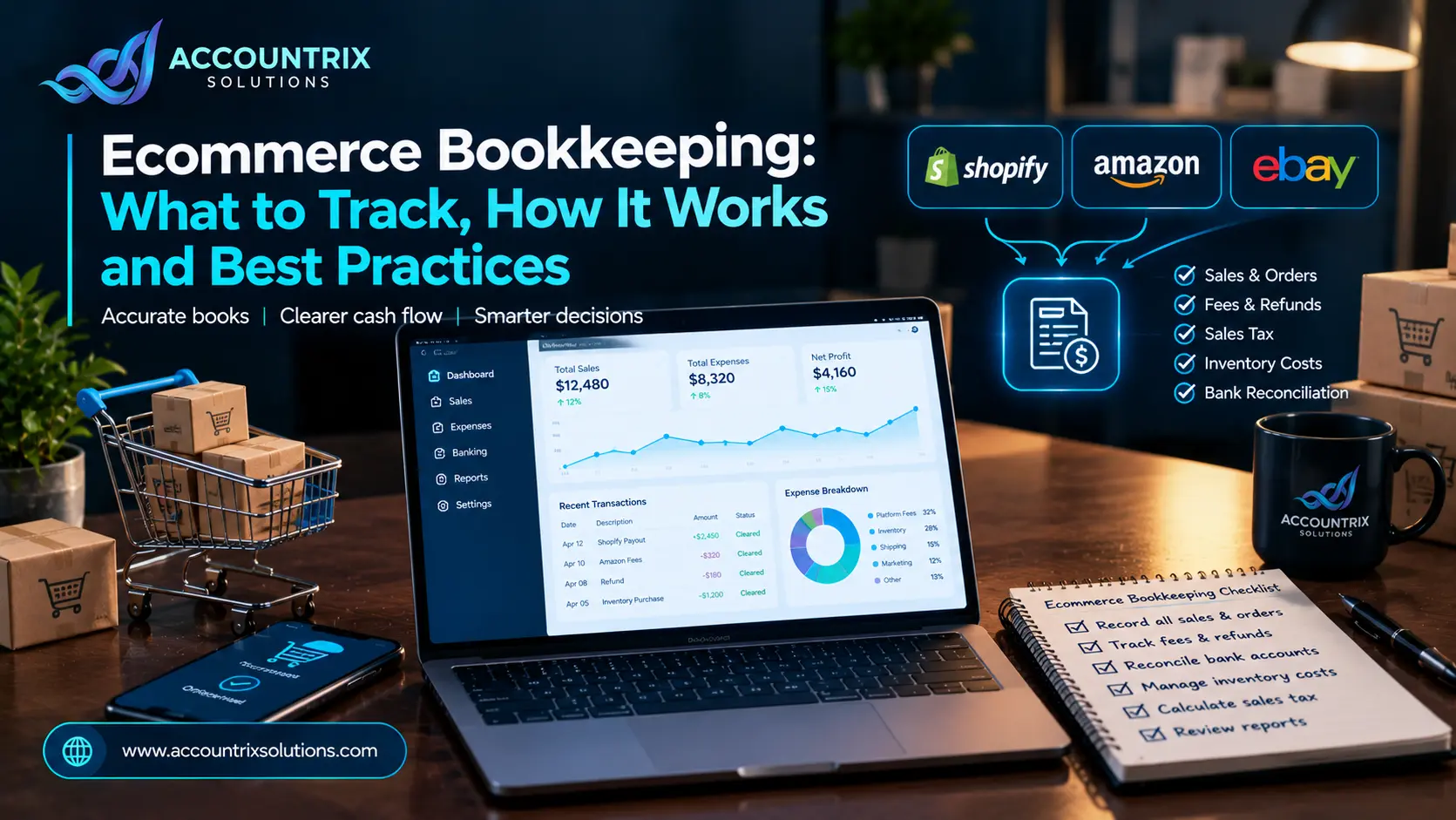
Ecommerce bookkeeping is the work of recording every sale, fee, refund, tax charge and inventory cost your online store creates, then matching all of it to the money that actually reaches your bank. One habit keeps the books clean: never record a payout as revenue. A payout is what is left after fees and refunds. Book the gross sale, each fee and each refund on its own line, and let the payout simply move cash into your bank. The rest of this guide shows how to do that on Shopify, Amazon or any similar platform, and what to watch for with sales tax, 1099-K forms and inventory.
Why ecommerce bookkeeping is harder than normal bookkeeping
In a shop with a till, the day’s sales and the day’s deposit are close to the same number. Online, they almost never match. Your platform holds the money, takes its cut, and sends you what is left a few days later. That gap is where most online store books go wrong.
Five things cause most of the mess:
- Payouts are net. One deposit can cover dozens of orders, a few refunds and several fees.
- Refunds drift. A refund is usually taken from a later payout, so it can land in a different week or month than the sale.
- Money arrives from several places. Your own store, a marketplace and a payment app each report it differently.
- Sales tax depends on the buyer. The rate and who collects it change by state.
- Profit needs inventory cost. Sales only mean something after you subtract what the products cost you.
Terms in plain words
How the money moves from the order to your bank
Every online sale follows the same four steps. Your books need to catch each one.
Timing varies by platform. Shopify, for example, says a refund issued through Shopify Payments comes out of your next available payout, as its Shopify Help page explains. Read each platform’s payout details instead of assuming they work alike.
Here is what that looks like with made-up numbers:
| Gross sales (48 orders) | 5,000.00 |
| Refunds | −300.00 |
| Processing fees | −155.00 |
| Dispute fee | −15.00 |
| Net payout to bank | 4,530.00 |
Your bank only sees 4,530. Your books must show the other 470: 300 of refunds and 170 of fees. If you record the deposit as sales, revenue looks 470 too low, and you can no longer see what the platform costs you.
Six rules for clean ecommerce books
These six habits fix most problems we hear about from online store owners.
Never book a payout as revenue
Revenue is what customers paid. The payout is only what is left. Record the sale at the gross amount.
Give every deduction its own account
Processing fees, marketplace fees, shipping labels and ad spend each get a separate line. In one lump, you cannot tell which channel costs you money.
Use a clearing account per platform
Post sales, fees and refunds to a “Shopify clearing” account and let each bank deposit empty it. If it does not reach zero, something is missing. In QuickBooks this is a current-asset account, and our QuickBooks bookkeeping services team can set one up for each channel.
Date a refund when you issue it
Record it on the day you issue it, as a reduction of sales. Do not wait for the payout that carries it.
Reconcile payouts, not only the bank
Match each payout to the orders, fees and refunds inside it. A bank balance can agree while two mistakes hide each other.
Close the month on a fixed date
Pick a cut-off day, finish the month, then lock it so old numbers cannot change by accident.
Refunds, returns and chargebacks
A refund reduces your sales. Some processors keep their fee on a refunded sale, so check your processor’s terms and book any lost fee as an expense instead of burying it in the refund. What happens to the product decides the rest of the entry:
- Returned and resellable: reduce sales by the refund, and put the item back into inventory at its original cost.
- Not coming back, or unsellable: reduce sales, and write the item’s cost off as an inventory loss.
- Chargeback: a customer disputes the charge with their bank. The amount is held back and a dispute fee often follows. Book the fee as an expense, and reverse the held amount if you win.
Selling on marketplaces: Amazon, Etsy, eBay and others
Marketplaces pay you in one lump on a regular cycle, and the detail sits in a settlement or payout report. Book from that report, not from the sales dashboard and not from the bank line alone. Cycles differ. Amazon’s often runs about two weeks, so match your books to the cycle, not the calendar month.
The same fee types show up on most marketplaces:
- Referral or selling fees, a commission on each sale
- Fulfillment fees, when the marketplace picks, packs and ships
- Storage fees for stock held in their warehouse
- Advertising charges
- Subscription or seller account fees
Treat all of them as selling expenses, kept apart from the cost of the products. Keep one clearing account for each marketplace and reconcile each settlement as it closes. If you track several channels in Zoho Books, our Zoho bookkeeping services team can build that structure around each settlement.
Sales tax: what your books need to show
Sales tax is not your income. It is money you hold for a state, so it needs its own liability account and should never be mixed into your sales figure.
Since the Supreme Court’s Wayfair decision in 2018, states can require out-of-state sellers to collect sales tax once they pass a sales or transaction threshold. That is called economic nexus. Most states have also passed marketplace facilitator laws, which make the marketplace collect and remit the tax on sales made through it, as this MTC report on the rules describes. For your books, that means:
- Marketplace sales: the marketplace usually handles the tax, but the sale still belongs in your sales records. Keep the reports.
- Your own store: you are usually responsible for collecting the tax where you have nexus, and for filing returns.
- Track by state: record taxable sales, tax collected and tax paid for each state. That shows you early when a threshold is close.
Thresholds and rules differ from state to state, so confirm your own situation with your state tax agency or a CPA. This guide is general information, not tax advice.
Form 1099-K and your income records
Form 1099-K reports payments you received through payment cards and third-party platforms. The IRS says payment apps and online marketplaces must send one when your payments for goods or services top $20,000 and you had more than 200 transactions in the year. Card processors send one however small the amount. Forms are due to you by January 31.
Two points matter for your books:
- The form shows gross payments. It does not subtract fees, refunds or shipping, so it will not equal your profit, and it may not equal your sales.
- You report income either way. Not receiving a form does not make the income tax-free.
Each January, compare every 1099-K with your own totals for that platform. A gap usually comes from fees, refunds, sales tax or timing, because the form follows when payments settle, not when the sale happened. If you can explain the gap line by line, you are in good shape.
Inventory and cost of goods sold
Profit means sales minus what the goods cost you. The IRS fact sheet on cost of goods sold starts with inventory at the beginning of the year, adds what you bought or made, and subtracts inventory at year-end. That only works if you count or track your stock.
What counts as product cost
- The price you paid for the product, or the cost to make it
- Freight to bring the stock to you
- Other costs of getting the stock ready to sell
What stays out
- Marketplace fees and payment processing fees
- Advertising
- Shipping you pay to send orders to customers, which is usually a selling expense. Ask your accountant how to treat it for your business.
Choose one costing method, such as first in, first out (FIFO), and use it every time. If you dropship, no stock sits in your books, but the supplier’s invoice for each order is still a product cost. Count stock at least at year-end, and every quarter if you can.
Connecting your store to your accounting software
Manual CSV uploads work when you get a few orders a day. As volume grows, they bring typos, duplicates and missing days. A connection between the store and the books sends each order, fee, refund and payout as its own labelled entry. Whatever setup you pick, check three things:
- Does it keep gross sales, fees, refunds and tax as separate lines?
- Does it post by payout, so deposits match your bank lines?
- What happens when a refund arrives late, or an order is edited after it was posted?
If your sales channels, payment tools and Odoo need to talk to each other, a planned build through Odoo integration services keeps those lines apart, instead of pushing one net figure into your books.
Your monthly ecommerce bookkeeping routine
Once the setup is right, the monthly job is short. Do it in this order:
- Download the payout or settlement report for every channel.
- Match each payout to its orders, fees and refunds.
- Record any fee or refund the connection missed.
- Check that every clearing account is at zero, or explain what remains.
- Compare sales tax collected with sales tax filed.
- Update your stock count or inventory value.
- Review the profit and loss report by channel.
- Lock the month.
Three numbers worth a look each month
- Fees as a share of sales, for each channel
- Refund rate, meaning refunds as a share of sales
- Gross margin, for each channel after product cost
When your store runs on Odoo, orders, invoices and payments sit in one system, so these numbers come straight from the accounting reports. Our Odoo bookkeeping team can set those reports up for you.
When ecommerce bookkeeping services make sense
Doing it yourself works when you sell on one channel and finish matching in an hour. It stops working when you sell on several channels, ship to many states, hold stock, or fall a month behind. Good ecommerce bookkeeping services start by looking at how your payouts are booked today, before they promise anything. These questions show whether a provider knows online stores:
- Which platforms do you reconcile every week or month?
- How do you book a payout: gross and net separately?
- Who watches sales tax and 1099-K totals?
- How do you handle inventory and cost of goods sold?
- How do I get my data back if we stop working together?
If you want a second opinion on how your store’s books look, talk to our team and we will tell you honestly what needs fixing.
Frequently asked questions
What is ecommerce bookkeeping?
It is recording every sale, fee, refund, sales tax charge and inventory cost an online store creates, then matching those records to the payouts that reach your bank.
How do I record Shopify or Amazon payouts?
Do not record the payout as revenue. Record the gross sales, then each fee and refund on its own line, and use the payout only to move the net cash into your bank. A clearing account for each platform makes this easy to check.
How do I handle refunds in my books?
Record the refund on the day you issue it as a reduction of sales. If the item comes back and can be resold, return it to inventory at cost. If it cannot be resold, write off its cost. If the processor keeps its fee, record that fee as an expense.
Who collects sales tax on marketplace sales?
In most states, marketplace facilitator laws require the marketplace to collect and remit the tax on sales made through it. Sales through your own store are usually your responsibility where you have nexus. Rules differ by state, so confirm with your state tax agency or a CPA.
Do I need separate bookkeeping for each sales channel?
You need one set of books, but each channel should have its own clearing account and its own sales and fee lines. That shows which channel makes money after fees.
What is the best accounting software for an online store?
It depends on your order volume, number of channels and inventory needs. QuickBooks, Zoho Books and Odoo can all work. What matters most is that the connection to your store keeps sales, fees, refunds and tax as separate lines.
How often should I reconcile my online store?
Reconcile each payout or settlement as it closes if you sell often, and at the very least once a month before you close the books.
Final thoughts
Clean ecommerce books come down to a few habits: record the gross sale, give every fee and refund its own line, reconcile each payout, keep sales tax out of income, and track what your stock costs. Set those up once, and the monthly routine becomes a short checklist. Then your reports tell you which channel actually makes money.
Not sure how your store’s books look today? Tell us which platforms you sell on and where the numbers stop matching.
Tell us how your store’s books work today




Leave a comment