
-
November 18, 2026
-
13 Views
FBR Digital Invoicing Sandbox Testing: All 28 Scenarios (SN001 to SN028) Explained
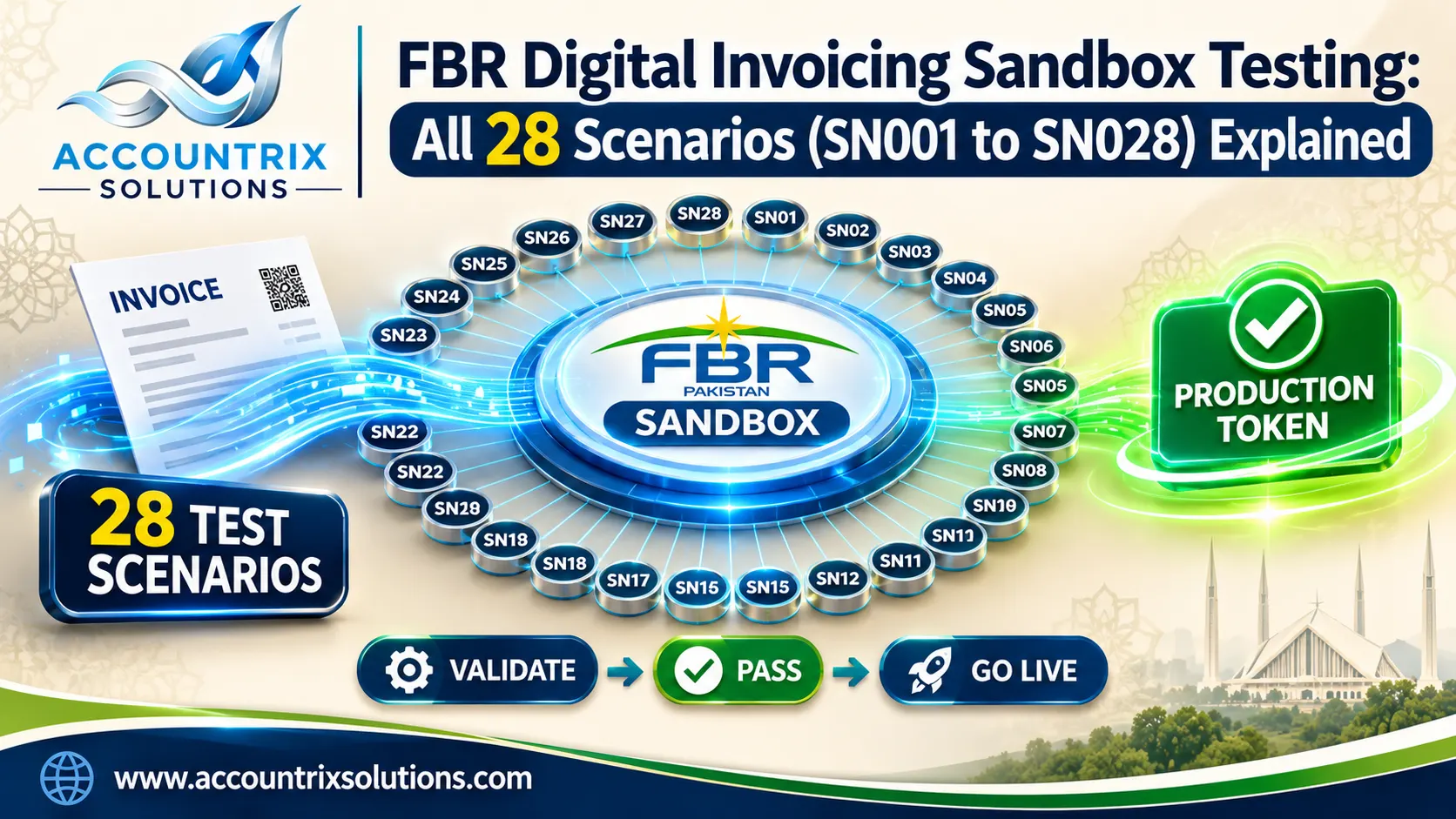
FBR digital invoicing sandbox testing means sending practice invoices to FBR’s test system, each tagged with one of 28 scenario codes from SN001 to SN028. You do not have to pass all 28. You pass the scenarios assigned to your business, and FBR then generates your production token. Each scenario is one kind of sale, for example standard-rate goods to a registered buyer, or a retailer’s sale at a reduced rate.
This guide explains every scenario in plain words, who it is meant for, and what to fill in on the test invoice. If you would rather hand the whole job over, our team handles FBR digital invoicing integration from sandbox to go-live. If you want to do it yourself, read on. By the end you will know which scenarios apply to you and why test invoices get rejected.
Short answer: the sandbox has 28 scenarios, SN001 to SN028. Your sandbox account shows the ones assigned to your business type and sector. Pass those, and the production token is issued automatically.
Quick facts
- The scenarioId field is used in the sandbox only. Live invoices do not carry it.
- Tokens come from the FBR IRIS portal. Sandbox and production use different tokens.
- Sandbox access starts after your IP address is whitelisted.
- You can connect through PRAL’s free route or through an FBR-licensed integrator.
- SN026, SN027 and SN028 are for retailers, and apply only if you are registered as a retailer.
On this page
All 28 at a glance
Tap a code to jump to its row in the tables further down.
SN001Standard, registered buyer
SN002Standard, unregistered buyer
SN003Steel melting, re-rolling
SN004Ship breakers
SN005Reduced rate
SN006Exempt goods
SN007Zero-rated goods
SN008Third Schedule goods
SN009Cotton ginners purchase
SN010Telecom services
SN011Toll manufacturing, steel
SN012Petroleum products
SN013Electricity to retailers
SN014Gas to CNG stations
SN015Mobile phones
SN016Processing, conversion
SN017Goods, FED in ST mode
SN018Services, FED in ST mode
SN019Services
SN020Electric vehicles
SN021Cement, concrete block
SN022Potassium chlorate
SN023CNG sales
SN024SRO 297(I)/2023 goods
SN025Drugs, fixed ST rate
SN026Retail, standard rate
SN027Retail, Third Schedule
SN028Retail, reduced rate
How the FBR sandbox test works
The sandbox is a copy of FBR’s invoicing system where nothing you send counts as a real sale. It exists so FBR can check that your software builds invoices the way FBR expects. According to PRAL’s FAQs, you complete the scenarios assigned to your business nature and activity, and only then move to production. The path looks like this:
- Register and choose how you connect. Log in to IRIS, open Digital Invoicing and pick PRAL’s free route or an FBR-licensed integrator.
- Get sandbox access. After your IP address is approved, the Sandbox tab shows the API details, sample JSON and your sandbox token.
- Check your assigned scenarios. They depend on the business nature and sector you selected.
- Send test invoices. Each one carries a scenarioId. FBR has a validate call and a post call for the sandbox, and it is sensible to validate first.
- Fix and resend. Rejected invoices come back with an error code and a message. Correct the data and send again.
- Collect your production token. Once all assigned scenarios pass, FBR generates it automatically.
If your invoices come out of an ERP such as Odoo, the sandbox is really a test of your ERP data: HS codes on products, units of measure, buyer type and tax rates. Connecting the ERP to FBR is an integration job, and our Odoo integration services team can build it so the right values are sent without anyone retyping them.
All 28 FBR sandbox scenarios explained
The scenario list below follows PRAL’s technical specification for the DI API (version 1.12). We grouped the scenarios by the kind of business that uses them, so you can read your own group first and skip the rest.
Everyday goods: standard rate
| Scenario | Sale it tests | Who it is for | What to fill or watch |
|---|---|---|---|
| SN001 | Standard-rate goods to a registered buyer | Anyone selling taxable goods to other businesses | Buyer type “Registered”, a valid buyer NTN, 18% rate. This is the test everybody starts with. |
| SN002 | Standard-rate goods to an unregistered buyer | The same sellers, selling to walk-in or unregistered buyers | Buyer type “Unregistered”. Further tax can apply on top of the standard rate, so check your tax fields. |
Different rate treatments
| Scenario | Sale it tests | Who it is for | What to fill or watch |
|---|---|---|---|
| SN005 | Reduced-rate goods | Sellers of goods taxed at a reduced rate | Use the reduced rate in the rate field. The schedule or SRO details usually need filling too. |
| SN006 | Exempt goods | Sellers of goods exempt from sales tax | The rate says “Exempt” and tax is zero. Keep the schedule reference. |
| SN007 | Zero-rated goods | Sellers of zero-rated goods, which can include exports | Rate 0%. Zero-rated is not the same as exempt, so do not mix the two. |
| SN008 | Third Schedule goods | Sellers of goods taxed on printed retail price | Fill the retail price field. Tax is worked out on that price, not on your selling price. |
Retail counter sales
These three are for sales to end consumers. The technical document says they apply only if you are registered as a retailer in your sales tax profile.
| Scenario | Sale it tests | Who it is for | What to fill or watch |
|---|---|---|---|
| SN026 | Standard-rate goods to end consumers | Registered retailers | Counter or POS sales at the standard rate. |
| SN027 | Third Schedule goods to end consumers | Retailers selling items taxed on retail price | Retail price field, as in SN008. |
| SN028 | Reduced-rate goods to end consumers | Retailers selling reduced-rate items | Reduced rate plus the SRO details, as in SN005. |
Industry-specific goods
Most businesses can ignore this group. Test a scenario here only if the sector matches yours.
| Scenario | Sale it tests | Who it is for | What to fill or watch |
|---|---|---|---|
| SN003 | Steel, melted and re-rolled | Steel melters and re-rollers | Steel-specific sale type. |
| SN004 | Sale by ship breakers | Ship-breaking businesses | Ship-breaking sale type. |
| SN009 | Cotton spinners buying from ginners | Cotton spinners | This one is a purchase, not a sale, so the purchase type is used. |
| SN011 | Toll manufacturing | Steel-sector units doing toll manufacturing | Toll manufacturing sale type. |
| SN015 | Mobile phones | Businesses selling mobile phones | Mobile phone sale type. |
| SN016 | Processing or conversion of goods | Units that process or convert goods | Processing and conversion sale type. |
| SN020 | Electric vehicles | Sellers of electric vehicles | Electric vehicle sale type. |
| SN021 | Cement and concrete blocks | Cement and block makers | Cement and concrete block sale type. |
| SN022 | Potassium chlorate | Sellers of potassium chlorate | A very narrow case, tested only by those who sell it. |
| SN024 | Goods listed in SRO 297(I)/2023 | Sellers of goods named in that SRO | The SRO reference must match the goods. |
| SN025 | Drugs at a fixed rate, serial 81 of the Eighth Schedule, Table 1 | Pharmaceutical sellers | Sale type “Non-Adjustable Supplies”. |
Fuel, gas and power
| Scenario | Sale it tests | Who it is for | What to fill or watch |
|---|---|---|---|
| SN012 | Petroleum products | Petroleum sellers | Petroleum sale type. |
| SN013 | Electricity supply to retailers | Electricity distributors | Electricity supply sale type. |
| SN014 | Gas sold to CNG stations | Gas distributors | Sale type for gas to CNG stations. |
| SN023 | CNG sales | CNG stations | CNG sale type. |
Services and FED in ST mode
FED in ST mode means Federal Excise Duty is charged together with sales tax on the invoice. The FED amount has its own field, so do not fold it into another column.
| Scenario | Sale it tests | Who it is for | What to fill or watch |
|---|---|---|---|
| SN010 | Telecom services | Telecom service providers | Telecommunication services sale type. |
| SN017 | Goods where FED is charged in ST mode | Sellers whose goods carry FED | Fill the FED amount in its own field. |
| SN018 | Services where FED is charged in ST mode | Service providers charged FED | Same as SN017, with a service description. |
| SN019 | Services rendered or provided | Most other service providers | Services sale type. Service rates can differ by province, so confirm yours. |
Descriptions change. FBR revised the descriptions of SN010, SN018 and SN019 in July 2025, according to the document history. Always read the current text before you build a payload.
Which scenarios does your business need?
FBR’s technical document has a table called “Applicable Scenarios based on Business Activity”, and FBR revised it in June 2025. Your sandbox shows the exact list for you, and that list wins over anything you read online, including this page. The rows below are a guide to what usually applies:
| Your business | Start with | Add if it applies |
|---|---|---|
| Trader or wholesaler of taxable goods | SN001, SN002 | SN008 for Third Schedule goods |
| Retailer with counter sales | SN026, SN027, SN028 | SN001, SN002 if you also sell to businesses |
| Textile manufacturer | SN001, SN002, SN005, SN006 | Others shown in your sandbox |
| Pharmaceutical seller | SN025 | Retail scenarios if you sell at the counter |
| Service provider | SN019 | SN018 if FED is charged in ST mode |
| CNG station | SN023 | None usually |
| Gas distributor | SN014 | Retail scenarios if registered as a retailer |
| Electric vehicle seller | SN020 | SN001, SN002 for other goods |
Your pre-test checklist
- I opened my sandbox and wrote down the scenarios assigned to me.
- I know whether I am registered as a retailer in my sales tax profile.
- I checked whether any of my goods fall under the Third Schedule, an SRO, or an exemption.
- My sandbox token and sandbox address are saved together, apart from production ones.
- I have a valid NTN for at least one real registered buyer to use in SN001.
Get your invoice data ready before you test
Most failed test invoices are not scenario problems. They are data problems. FBR checks each value against its own reference lists, so prepare these before the first send:
- Seller and buyer details: NTN or CNIC, business name, province and address. The buyer’s registration type must be right for the scenario.
- HS code and unit of measure: FBR accepts only certain units for each HS code.
- Sale type and rate: The rate text, such as 18% or Exempt, has to fit the sale type.
- Tax fields: Sales tax, further tax, extra tax, and tax withheld at source each have their own place.
- SRO fields: Needed for reduced-rate, exempt and SRO-based goods.
- Retail price and FED: Needed for Third Schedule goods and FED scenarios.
If you use Odoo, the invoice layout also has to show what FBR requires, such as the invoice number and QR code. Our note on changing the Odoo invoice template safely covers how to edit the layout without breaking tax lines.
Why test invoices get rejected
When FBR rejects an invoice, it returns an error code and a message. These are the causes we would check first:
- A unit FBR does not accept for that HS code. Zoho aside, every system we have seen hit this one early.
- A rate or SRO field that does not fit the sale type. For example, an exempt scenario carrying an 18% rate.
- A sale type that is not on FBR’s list. The error message says the sale type is not valid. Copy the value from FBR’s reference list rather than typing it.
- The wrong buyer type. A registered buyer needs a valid NTN. An unregistered one should be marked as such.
- A retail scenario without retailer registration. SN026 to SN028 will fail.
- The wrong token for the wrong address. A sandbox token works with the sandbox address, and the production token with production.
Validate each payload before you post it, change one thing at a time, and keep a log of what you sent and what FBR answered. That log saves hours when a scenario fails for the third time.
After the last scenario passes
FBR generates your production token automatically once all assigned scenarios are done. Going live then takes three changes: use the production token, switch to the production address, and stop sending scenarioId, because live invoices do not carry it. Run a small number of real invoices first and compare them with your own books.
Questions we hear most
How many scenarios are in the FBR sandbox?
There are 28, numbered SN001 to SN028. Each represents one kind of sale or sector case.
Do I need to pass all 28 scenarios?
No. You pass the scenarios assigned to your business nature and sector. Your sandbox shows that list.
Where do I get the sandbox and production tokens?
From the FBR IRIS portal, under Digital Invoicing. The sandbox and production tokens are different, and the production token is issued automatically after the assigned scenarios pass.
Is scenarioId used on live invoices?
No. It is used only in the sandbox, to tell FBR which scenario a test invoice belongs to.
Can I use PRAL for free, or must I hire an integrator?
Either works. PRAL offers its route free of charge, and FBR-licensed integrators may charge a fee.
Do sandbox invoices count as real sales?
No. They are practice invoices sent to a test system, so keep them separate from your real sales records.
Final thoughts
Sandbox testing looks long with 28 scenarios on the list, but most businesses face only a handful. Find your assigned scenarios, prepare clean HS codes, units and buyer details, and send one scenario at a time. The tests are really a check on your data, so a tidy product and customer master saves the most time.
Stuck on a scenario, or short on time? Tell us your business type and the scenarios assigned to you, and we will tell you what is likely to fail.

Related Articles
Odoo Year-End Closing: Fiscal Year, Lock Dates and Opening Entries Explained
-
November 21, 2026
-
4 Views
FBR vs PRA vs SRB: Which E-Invoicing System Does Your Business Actually Need?
-
November 20, 2026
-
7 Views
FBR Digital Invoice Error Codes Explained: What Each API Error Means and How to Fix It
-
November 19, 2026
-
14 Views
Leave a comment