
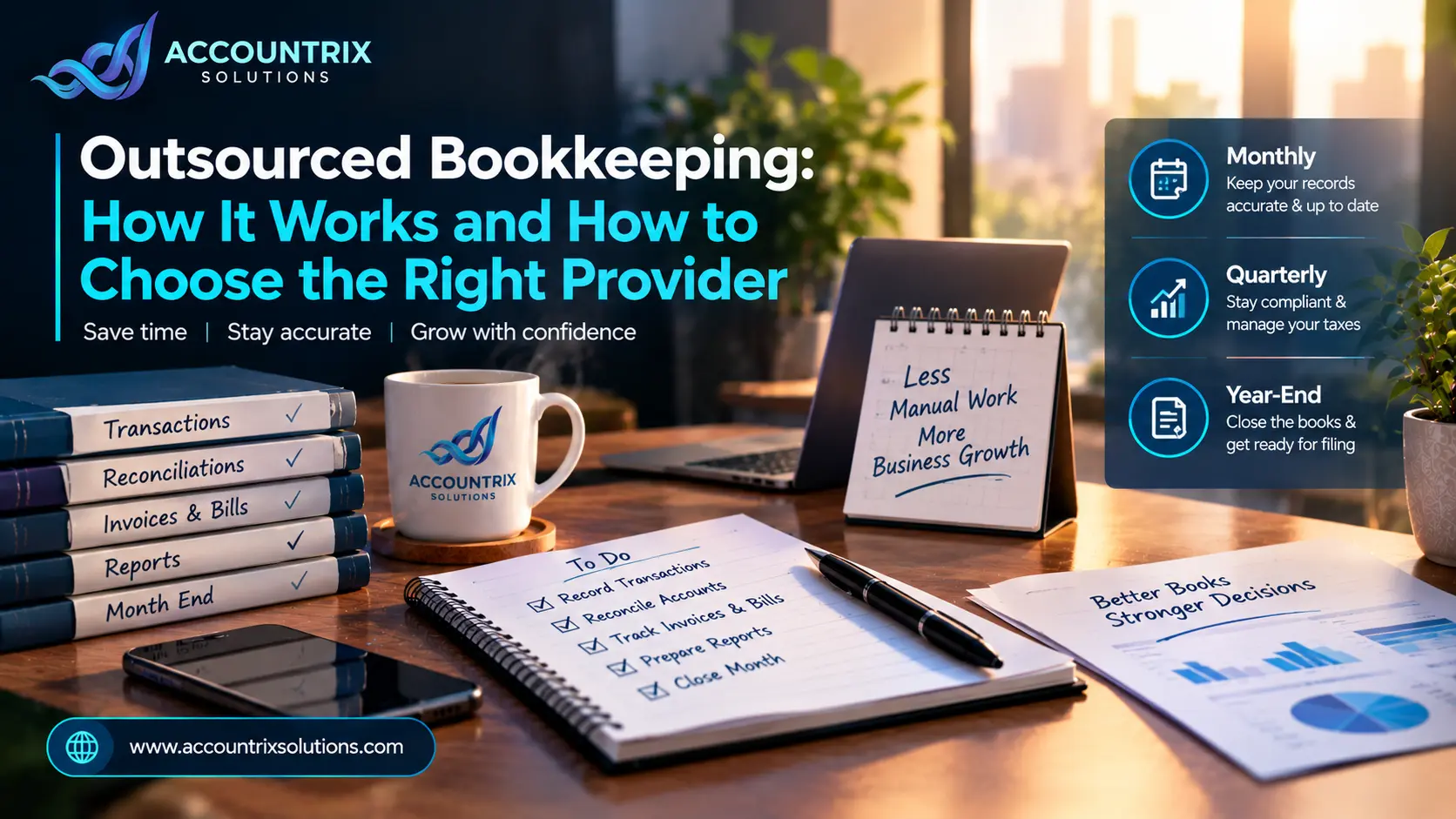
Outsourced Bookkeeping: How It Works and How to Choose the Right Provider
An outsourced bookkeeper is an outside person or team that keeps your financial records for you. They record transactions, reconcile your bank and card accounts, follow your invoices and bills, and close each month, usually from inside your own accounting software. You keep control of payments and decisions. Outsourced bookkeeping makes sense when your books keep slipping, month-end eats whole days, or you no longer trust your own reports. This guide shows how it works in practice, what you hand over, and how to pick someone safely.
What an outsourced bookkeeper does, and what stays with you
You will see the same idea called a virtual bookkeeper, a remote bookkeeper or a bookkeeping service. The label changes, the job does not. Someone outside your office logs into your accounting software and keeps the records straight, so the reports you read are reports you can believe.
The U.S. Bureau of Labor Statistics (BLS) describes bookkeeping as computing, classifying and recording financial data so an organization’s records stay complete and accurate. Outsourcing moves that routine to someone else. It does not move ownership. The books are yours, and so is every decision that comes out of them.
It also does not replace an accountant. A bookkeeper keeps the records accurate. An accountant, and a CPA, who is a licensed accountant, prepares tax returns, plans taxes and advises you. They work best in that order: clean books first, advice second.
Three ways to get bookkeeping done
A messy month-end, and the same month outsourced
Numbers are easier to picture with a person attached. Imagine a small online store owner, and call her Dana. She is an example, not a real client, but her problems are the ones owners describe all the time.
- She downloads the bank statement on the 22nd of the next month
- Store payouts match no single order, so she guesses
- Half her receipts sit in email, the rest in a drawer
- A card fee gets filed as supplies, and again the month after
- She cannot say whether last month made money
- A fixed cut-off date, and receipts go to one shared folder
- Each payout is matched to the group of orders behind it, with fees booked separately
- Six unclear charges arrive as one short list, answered in ten minutes
- The same three reports land on the same day each month
- A 20-minute call about what changed, then back to the store
Notice what did not change. Dana still owns the bank accounts, still approves what gets paid and still decides what to do with the reports. What changed is that the repetitive checking no longer depends on her free evenings.
What you hand over and what you keep
Most friction with a bookkeeping provider comes from fuzzy edges. Settle the split in your first conversation and put it in writing.
- Record and categorize daily transactions
- Reconcile bank, card and payout accounts
- Chase invoices you are owed and list bills due
- Enter payroll and contractor payments
- Close the month and send reports
- Releasing payments
- Ownership of bank accounts and the software subscription
- Deciding who has access
- Final sign-off on the numbers
- Every business decision
- Answering questions about odd charges
- Supplying receipts and contracts
- Changes to the chart of accounts
- The year-end package for your accountant
The split is the same in every platform, and only the screens change. What matters is that your provider lives in your platform every day. If your books are in Zoho Books, our Zoho bookkeeping services team handles the first column while you hold the second.
One clause is worth adding to any agreement: the books and the data belong to you, and you can export them whenever you ask. Without it, leaving a provider can get awkward.
Your first 90 days with an outsourced bookkeeper
The first three months decide whether the arrangement works. This is the order a sensible start follows.
A first message you can copy
Send something like this on day one. It sets the terms before any work starts.
Hi [name],
To get started, here is what we use: bank [bank name], cards [list], payroll [tool], store [platform] and accounting software [name]. I will invite you as a user with your own login.
Please confirm three things: your monthly cut-off date, the day I will receive reports, and who covers when you are away. I would also like us to agree that I can export my books at any time.
Thanks, [your name]
What a normal month looks like once it settles
After the first close, outsourced bookkeeping should feel quiet. This is a typical rhythm. Your dates will differ, so agree them in writing.
The reports matter more than the process. Ask for the same three, in the same order, every month, because consistency makes changes obvious. Compare each with last month and ask about anything that moved. If you use Odoo, the reports come straight from the accounting app, and our Odoo bookkeeping team can walk you through each change.
How to choose an outsourced bookkeeping provider
Skills are easy to claim and hard to check. Listen to what a provider says, then ask the follow-up. These are the lines you are likely to hear.
Ask how data gets in, too. If your sales, payroll or bank data comes from other apps, someone has to build and watch those connections. A one-off script tends to break quietly, and the numbers drift before anyone notices. A planned setup, like the ones built through Odoo integration services, brings the data in already itemized, so less gets fixed by hand each month.
A sample report and a short call tell you more than any website. If a provider will not show you how they work before you sign, treat that as an answer. The same goes for anyone who asks for your password instead of sending an invite, or who cannot say who checks their work.
Security checks before you share your books
Your books hold bank details, payroll data and customer information. The FTC advises small businesses not to take vendors at their word. It recommends putting security terms in writing, checking that they are followed, using multi-factor authentication and limiting access to the people who need it. Turn that into a checklist.
- Named access only. Each person has their own login and sees only what their role needs. Listen for: no shared passwords.
- Multi-factor authentication. It should be required for the whole team, on every system that touches your books.
- An independent report. SOC 2 is a report from a CPA firm on controls related to security, availability, processing integrity, confidentiality or privacy. A Type 1 report looks at one point in time, and a Type 2 report covers a period. Many small firms have none. If so, ask what they do instead, and get it in writing.
- Safe file handling. A secure portal or an access-controlled folder, not bank statements travelling as email attachments.
- Clean offboarding. Access is removed the same day someone leaves your provider’s team or you end the contract, and your data comes back in a usable format.
- An incident process. A written plan that says who tells you, how fast, and what happens next.
Get all six answers in writing. A promise on a sales call is hard to enforce a year later.
Is now the right time to outsource bookkeeping?
- You skip months and plan to catch up later
- Month-end takes you more than a day
- You do not fully trust your reports
- You hold inventory, run payroll or manage more than one company
- You have few transactions and reconcile in an hour
- You are still choosing your software
- You are not ready to give anyone access yet
In the second case, pick your platform first, then hand over the routine. If you cannot tell which side you are on, talk to our team and we will tell you honestly.
Frequently asked questions
What does an outsourced bookkeeper do?
They record and categorize your transactions, reconcile bank and card accounts, track invoices and bills, enter payroll and contractor payments, close each month and send your reports. All of it happens remotely, inside your accounting software.
Is outsourced bookkeeping safe?
It can be. Look for named user access, multi-factor authentication, limited permissions and security terms in writing. Ask about an independent report such as SOC 2, and what they do if they do not have one.
Can I outsource bookkeeping if my books are already messy?
Yes. A good provider reviews the books first, then cleans up missing months, uncategorized items and unreconciled accounts before starting the monthly routine.
Will an outsourced bookkeeper replace my accountant?
No. The bookkeeper keeps records accurate. The accountant handles tax planning, tax returns and advice. They do their best work together.
Can an outsourced bookkeeper work in QuickBooks, Zoho Books or Odoo?
Yes. The tasks are the same everywhere. Choose someone who works in your platform every day, and ask for examples.
Is a virtual bookkeeper the same as an outsourced bookkeeper?
Mostly. Virtual, remote and outsourced all mean the bookkeeper works outside your office. The bigger difference is whether you hire one freelancer or a firm with a team and a review step.
Final thoughts
Outsourced bookkeeping works when the edges are clear: what the provider does, what you keep, how often you hear from them and how your data is protected. Start with a review, agree on a monthly calendar, ask the security questions, and read the first three months of reports closely. After that, the books should stop being something you think about at night.
Not sure how your books look today? Tell us what you use and where you are stuck, and we will say honestly what help makes sense.
Tell us how your books are kept today



Leave a comment