
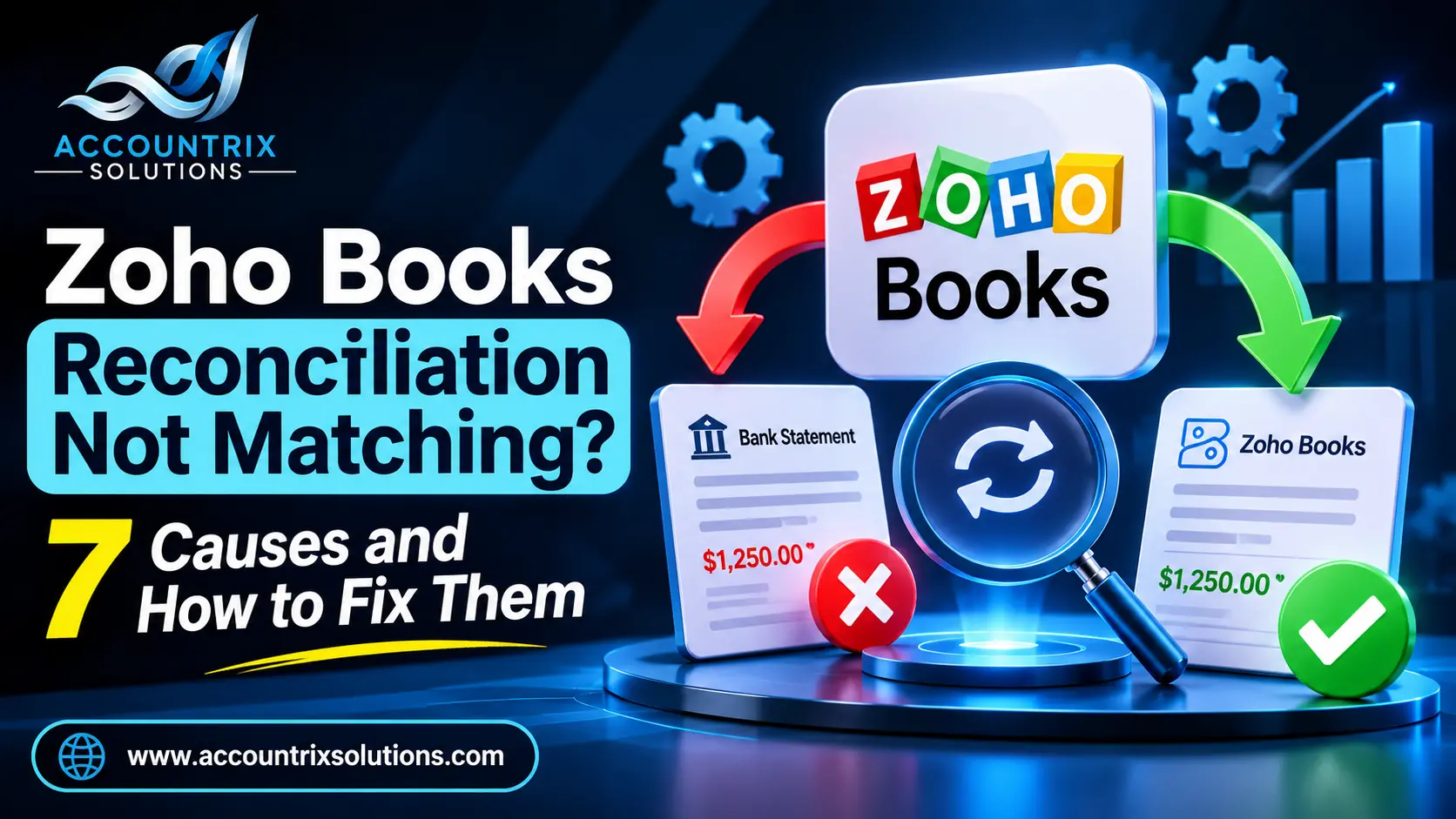
If your Zoho Books reconciliation will not match, the cause is almost always one of seven things: bank lines that were never matched or categorized, bank feed history that only reaches back 90 days, a wrong opening balance, a duplicate entry, a transaction dated outside the period, an amount that is slightly wrong, or a change to a transaction that was already reconciled. Find the exact difference first, then work through the causes in the order below, and the difference shrinks to zero. This guide shows how, with a worked example and a routine you can follow every month.
How Zoho Books reconciliation works, and where it goes wrong
Zoho Books reconciliation compares the transactions in your bank account with the ones you have recorded in Zoho Books, for a period you choose. Zoho’s help notes that the opening balance should be correct before you reconcile anything, and that is where many problems begin. This is the basic flow:
- Go to Banking in the left sidebar and select the account.
- Click the gear icon in the top right corner and choose Reconcile Account.
- Click Initiate Reconciliation.
- Enter the start date, the end date and the closing balance from your bank statement.
- Click Start Reconciliation, then select the transactions that appear on the statement.
- Click Reconcile when the difference is zero, or use Save and Reconcile Later if you need to stop.
Two different jobs share the same name, and mixing them up causes trouble:
Start here: find the exact difference
Do not start fixing before you know what you are looking for. Write down three things:
- The difference Zoho Books shows, with its sign (too high or too low)
- The statement’s start date, end date and closing balance you entered
- Whether the opening balance equals last month’s closing balance
The exact amount is your clue. A difference that equals one transaction points to a duplicate or a missing line. A difference that stays the same every month points to the opening balance. Use these questions in order:
7 causes of a Zoho Books reconciliation that will not match
1. Bank lines were never matched
SymptomThe books show fewer transactions than the statement.
FixOpen the feed and match each line to an existing entry, or categorize it as a new one. Transaction rules can handle the repeats.
2. The feed only covers 90 days
SymptomThe balance is off by about the amount of older activity.
FixZoho’s help says feeds can be fetched for the last 90 days. Add earlier transactions manually or import a statement file.
3. The opening balance is wrong
SymptomThe same difference appears every month.
FixCompare the opening balance with the bank’s balance on the day you started. Zoho’s help describes using an Opening Balance Offset account to correct it. Ask your accountant first.
4. A transaction was entered twice
SymptomOne amount appears two times, usually once by hand and once from the feed.
FixDelete or merge the duplicate, and keep the one that matches the statement.
5. A date is outside the period
SymptomA transaction is on the statement, but missing from the list for your dates.
FixCorrect the date so it falls inside the statement period.
6. An amount is slightly wrong
SymptomA small difference such as a fee, a rounding or a currency gap.
FixCompare each line with the statement. Record fees as their own transactions.
7. A reconciled transaction was changed
SymptomA past month that balanced now shows a difference.
FixUndo that reconciliation, correct the transaction, and reconcile again.
A worked example: chasing a $150 difference to zero
These numbers are made up. A business reconciles a month, enters a closing balance of $12,480.00 from the bank statement, and selects every transaction in Zoho Books. The selected total is $12,630.00, so the difference is $150.00. Here is how the search goes:
| Step | What you check | Difference left |
|---|---|---|
| Start | Closing balance $12,480.00 vs selected transactions $12,630.00 | $150.00 |
| 1 | Opening balance equals last month’s closing balance | $150.00 |
| 2 | Every feed line is matched or categorized | $150.00 |
| 3 | One transaction equals $150.00: a customer payment entered by hand and again from the feed | $150.00 |
| Fix | Delete the manual copy and reconcile | $0.00 |
The search took four questions, because the difference pointed at one transaction. Most differences are this small. They look scary only until you know the exact amount.
Special cases: credit cards, payment gateways and other currencies
The steps above work the same way for most accounts, but three cases need extra care.
- Credit cards. Reconcile them the same way, using the statement’s closing balance. A card balance is money you owe, so a wrong sign on one amount, such as a refund recorded as a purchase, creates a difference that is exactly double that amount.
- Payment gateways and marketplaces. These pay you in one lump that is smaller than the sales behind it, because fees and refunds come out first. One bank line then matches several customer payments and a fee. Match the line to all of them together, and record the fee as its own transaction.
- Other currencies. If an account is in a foreign currency, differences of a few cents can come from the exchange rate on the day of payment. Compare the amounts in the account’s own currency, and review the rate on any transaction that is off.
Whatever the account, the method does not change: find the exact difference, then ask which transaction or which balance explains it.
Undo, edit and redo safely
If a reconciled month needs a correction, Zoho Books lets you undo it. Open the account, go to Reconcile Account, and choose the period you want to undo. Zoho’s help says you can then edit your transactions and reconcile the account again. You can also delete a reconciliation you no longer need. Before you do:
- Note the period, the closing balance and what you plan to change.
- Check whether a tax return or report already used that month, and if it did, tell your accountant first.
- After the fix, attach the statement to the reconciliation for the record.
Mistakes that make a reconciliation harder
- Forcing the balance. Adding an adjustment so the difference reads zero hides the cause and moves the error into next month.
- Using the wrong closing balance or end date. The numbers you enter must come from the statement for exactly that period.
- Deleting a reconciled transaction. Undo the reconciliation first, then correct the transaction and reconcile again.
- Importing the same file twice. Overlapping dates create duplicate lines, so check the dates before you upload.
- Mixing feed and manual entry for one account. Pick one main way to bring lines in, and match against it.
- Changing the opening balance without telling your accountant. It changes every period after it.
How to stop it from happening again
| How often | What to do |
|---|---|
| Weekly | Match the bank feed. Use transaction rules for lines that repeat, like fees and subscriptions. |
| Monthly | Reconcile every account when the statement arrives, and attach the statement. |
| Monthly | Check that the opening balance equals last month’s closing balance before you start. |
| Every quarter | Review which transaction rules still make sense. |
If your bank is not connected, importing a statement file works the same way. Matching and reconciling follow the same steps whether the lines arrive by feed or by import.
When to hand your Zoho Books reconciliation to a bookkeeper
You can fix most differences yourself. Consider help when:
- You are more than two or three months behind
- The same difference returns every month
- Several accounts or currencies are involved
- You are not sure whether the opening balances are right
- A tax deadline or loan application is close
A bookkeeper who works in Zoho Books every day will usually find the cause faster, and will leave a record of what changed. Our Zoho bookkeeping services team can reconcile past months and set up a routine, so it does not come back.
What to prepare before you ask for help
A short list makes any review faster. Gather:
- The months and accounts that do not reconcile
- The exact difference for each one
- Your bank statements for those months
- A note of what you already tried
- The date of your next deadline
With these in hand, the people at Accountrix Solutions can tell you quickly how big the job is.
Frequently asked questions
Why is my Zoho Books reconciliation not matching?
The most common causes are bank lines that were never matched or categorized, feed history that only covers the last 90 days, a wrong opening balance, duplicate entries, transactions dated outside the period, small amount errors, and changes to transactions that were already reconciled.
How do I start a bank reconciliation in Zoho Books?
Go to Banking, select the account, click the gear icon and choose Reconcile Account. Click Initiate Reconciliation, enter the start date, end date and closing balance from your statement, click Start Reconciliation, select the transactions on the statement, and click Reconcile.
Can I undo a reconciliation in Zoho Books?
Yes. Open the account’s Reconcile Account page, choose the reconciled period and undo it. The transactions return to the unreconciled list, so you can edit them and reconcile again.
Why does my Zoho Books balance differ from my bank balance?
Zoho’s help lists uncategorized transactions that were never matched, bank feeds that only fetch the last 90 days, and an opening balance that does not agree with the account. Check the opening balance first.
How far back can the Zoho Books bank feed go?
According to Zoho’s help, you can fetch feeds for the last 90 days when you add a bank account. Earlier activity has to be added manually or imported from a statement file.
What is the difference between matching and reconciling?
Matching links each bank feed line to a transaction in your books, or categorizes it as a new one. Reconciling compares everything in your books for a period with your bank statement. Match often, and reconcile once a month.
How often should I reconcile in Zoho Books?
Match feed lines weekly or daily, and reconcile each account monthly when the statement arrives, before you close the month.
Final thoughts
A Zoho Books reconciliation that will not match is nearly always one small thing with a clear cause. Write down the exact difference, check the opening balance, match what is waiting in the feed, look for a duplicate or a wrong date, and undo a past month only when you must. Then keep a simple weekly and monthly routine, and the difference stops coming back.
Still stuck on a difference that will not close? Tell us the account, the month and the amount, and we will tell you where to look.
Tell us what your Zoho Books shows today
Leave a comment