
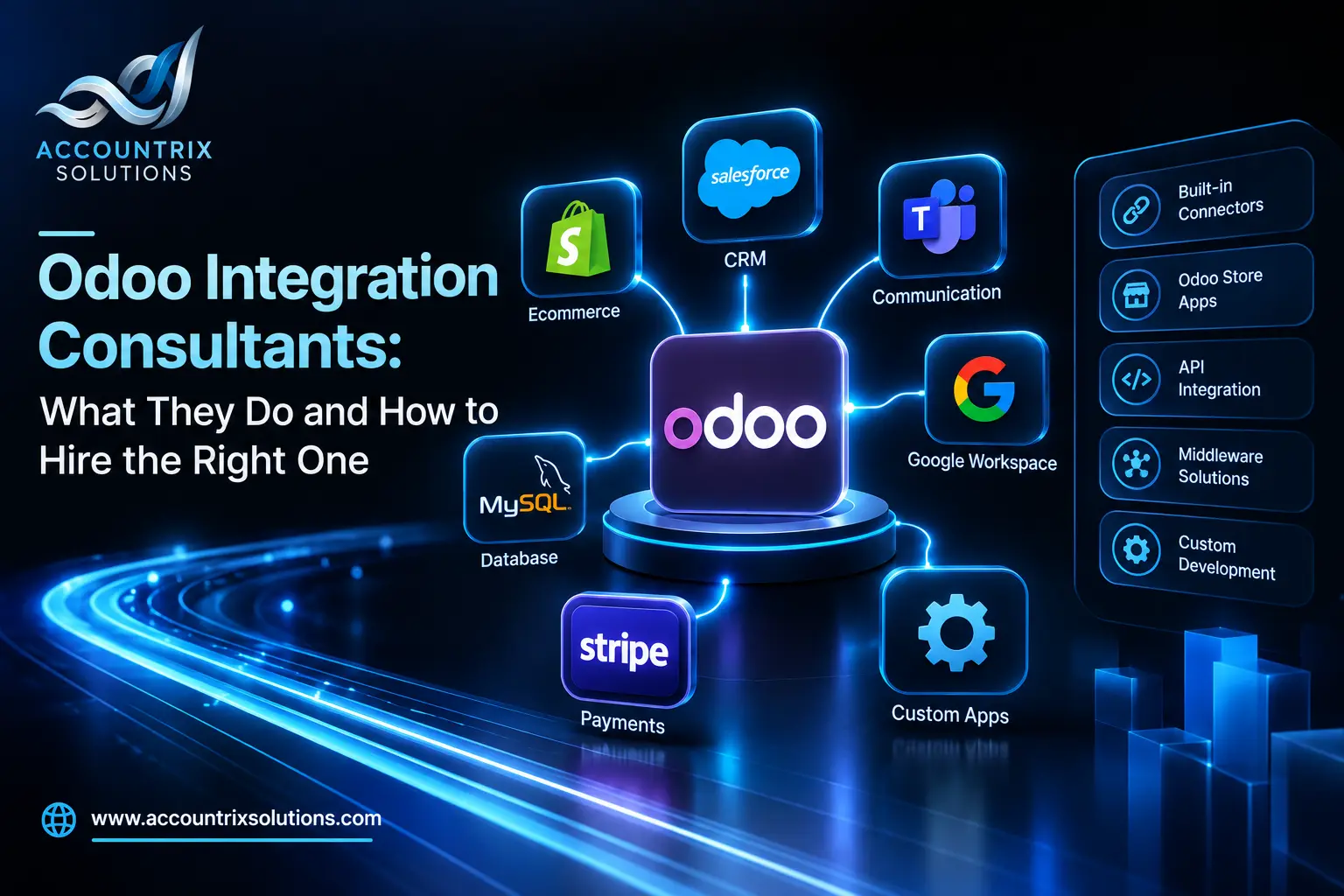
Odoo integration consultants are specialists who plan, build and support the connections between Odoo and your other systems, such as your store, payment gateway, shipping tools, bank or CRM. A good one starts by mapping your data flows, picks the right way to connect each tool, builds and tests it, and stays accountable for errors after launch. To hire the right one, look for proven integration work in your tools, a clear plan for testing and monitoring, and a contract that spells out documentation and handover. This guide shows what the job covers, how an engagement runs, and which questions to ask before you sign.
What Odoo integration consultants actually do
A consultant sits between your business and the code. The work is mostly thinking and checking, and less typing than you might expect. These are the eight jobs a good consultant covers:
- Map your data flows. What moves between Odoo and each tool, in which direction, and how often.
- Choose the connection method. A built-in connector, a store app, the API, middleware or a custom build, based on volume and risk.
- Settle master data. Which system owns customers, products and prices, and how records are matched.
- Build or configure the connection. Using the method you agreed on.
- Test with your real cases. Refunds, edits after the fact, partial shipments and duplicates.
- Set up monitoring and alerts. So a failure is seen by a person on the same day.
- Document and hand over. What was built, where it runs and how to fix common errors.
- Support it over time. When Odoo or the other tool changes version.
That is different from a salesperson who demos a connector, and from a developer who writes the code you describe. A consultant’s value is the thinking before the code and the care after it. It is also how our Odoo integration services team works: map first, build second, monitor always.
Consultant, developer, partner or freelancer: who do you need?
These titles overlap, and people use them loosely. Here is how they usually differ:
Integration consultant
Plans and owns the connection from start to finish, often with developers working under them.
Best forFlows across several tools, or flows that feed your accounts.
Developer
Writes code to a specification someone else prepared.
Best forA clear spec, an internal owner and a single, well-defined task.
Odoo partner
A company that implements and supports Odoo. Odoo’s partner program ranks partners as Ready, Silver or Gold.
Best forIntegrations that are part of a larger Odoo project.
Freelancer
One independent person, usually flexible and personal.
Best forA focused project with low risk. Ask who covers absences.
A partner tier reflects measures such as new Enterprise users, certified staff and customer retention. It does not tell you how good someone is at integrating your particular tools, so ask for integration references whatever the tier. Partners do have a direct line to Odoo to escalate issues, and they publish references on Odoo’s own site, which are both useful. If your integration is part of a larger rollout, one team doing both avoids hand-offs, and our Odoo implementation services team covers the setup and the connections together.
When you need an Odoo integration consultant, and when you do not
- You connect three or more systems
- The flow touches your accounts
- Volume is growing
- An earlier integration broke, or nobody owns it
- An Odoo upgrade is coming and connectors depend on it
- Your tool has no maintained connector
- One standard connector covers the flow
- The flow is low volume and low risk
- A developer who knows Odoo has a clear spec
- An internal owner will watch it daily
What a good engagement looks like, phase by phase
Every project is different, but the order is usually the same. The bars show a typical order and overlap, not durations:
| Phase | What the consultant does | What you receive |
|---|---|---|
| Discover | Interviews your team, lists systems and flows, collects real examples | A data-flow map |
| Design | Picks the method, defines mapping, record matching and error rules | A design document you can read |
| Build | Builds or configures the connection on a test copy | A working connection, not yet live |
| Test | Runs real cases, failure cases and a volume check | A test log and your sign-off |
| Launch | Cuts over, watches the first week closely | A live connection and a rollback plan |
| Support | Monitors, fixes and re-tests after upgrades | A runbook, alerts and agreed support terms |
Matching records usually needs an extra field, such as the other system’s ID on each customer or order. That kind of change should be made in a way that survives upgrades, and our Odoo customization services team adds fields like that as part of the build.
How to hire the right Odoo integration consultant: 7 checks
Use these seven checks to compare candidates side by side:
- Integration work in your tools. Ask for two or three projects with the same tools and a similar flow. “We can connect anything” is not a reference.
- Knowledge of your Odoo version and hosting. The details matter. Odoo’s documentation says Odoo Online is not compatible with non-standard apps, and that external API access on Odoo Online needs a Custom plan. It also says the older XML-RPC and JSON-RPC APIs are deprecated since Odoo 19.0, with JSON-2 as the replacement. A consultant who knows this will bring it up before you do.
- Awareness of the books. Integrations change your accounts. Gross sales, fees, refunds and tax should arrive on separate lines, and payouts should match your bank. Our Odoo bookkeeping team reviews new connections for exactly this, and your consultant should be willing to work with whoever keeps your books.
- A testing and monitoring approach. Ask what they test, where, and who sees an error on the day it happens.
- Documentation and handover. You should end up with documents, access and a runbook, not a connection only one person understands.
- Support after go-live and upgrades. Ask who re-tests after the next Odoo version, and on what terms.
- References you can call. A short call with a past client tells you more than any proposal.
Interview questions for Odoo integration consultants
Ask these in the first call. Listen for the answers in the solid bubbles, and treat the dashed ones as warnings.
What to put in the scope of work
A written scope protects both sides. Whatever the price model, ask for these items in the document:
- The systems to connect, with versions and hosting
- Each data flow: direction, timing and expected volume
- Master data owner for each data type
- Error handling: retries, alerts and who responds
- Test cases, including refunds, edits and duplicates
- Acceptance criteria, in plain sentences
- Documentation and runbook to be delivered
- Access and credentials: who holds them, and how they are rotated
- Support period after launch, and what it covers
- Change process: how new requests are priced and approved
- Ownership of the code, and what happens if you part ways
Fixed price, hourly or retainer?
| Model | Good for | Watch for |
|---|---|---|
| Fixed scope | Flows that are clearly defined | Changes get priced separately, so the scope must be exact |
| Time and materials | Unclear or changing needs | Needs regular reports and an estimate to review |
| Monthly retainer | Ongoing monitoring and upgrades | Define what is included, and the response times |
Get your side ready before the first call
A consultant can only move as fast as your answers. Before you talk to anyone, prepare:
- The list of systems you want to connect, and their versions
- The data that moves, how often, and in which direction
- Who owns each data type today
- Three real examples of orders or invoices, including one that went wrong
- The exceptions that happen in real life: returns, discounts, edits
- One person who approves decisions, and one who will test
- Input from whoever keeps your books
When to talk to us
If you are comparing consultants and want a second opinion on a proposal, or you are not sure which of your flows needs one at all, send us what you have. We will tell you honestly what is worth paying for. You can talk to our team at any stage, even before you have a plan.
Frequently asked questions
What does an Odoo integration consultant do?
They plan, build and support the connections between Odoo and your other systems: mapping data flows, choosing the method, defining master data and record matching, testing with real cases, setting up monitoring, documenting the result and supporting it after upgrades.
How much does an Odoo integration consultant cost?
It depends on the number of systems, the data volume and the rules involved. Consultants usually work on a fixed scope, on time and materials, or on a monthly retainer. Ask for a scoped estimate after a short discovery phase, not before.
What is the difference between an Odoo integration consultant and an Odoo developer?
A developer writes code to a specification. A consultant helps create the specification, chooses the method, owns testing and monitoring, and stays responsible for how the connection behaves.
Do I need an Odoo partner, or can I hire a freelance consultant?
Either can work. Odoo’s partner tiers, Ready, Silver and Gold, do not show integration skill in your tools. A freelancer suits a focused project, but ask who covers absences and who owns the code.
How long does an Odoo integration project take?
It depends on the number of tools and the rules. A single standard connector can be quick, while multi-system flows with exceptions take longer. Most of the time goes into discovery, testing and cutover, not into writing code.
What should I prepare before I hire an Odoo integration consultant?
List the systems to connect, the data that moves and how often, who owns each data type, the exceptions that happen in real life, and who on your team will test. Decide who approves changes and who reads errors.
What happens to my integration when I upgrade Odoo?
It needs to be re-tested. Odoo’s upgrade documentation says a database with custom modules cannot be upgraded until a version of those modules exists for the target version. Agree on who re-tests, and on what terms, before you sign.
Final thoughts
The right consultant is not the one who says yes to everything. It is the one who asks where each record lives, what happens when a message fails, and who reads the errors. Check for integration work in your tools, a clear testing and monitoring plan, and a written scope with documentation and handover. Ask the questions above, treat the red flags as real, and you will hire for the first month and the third year.
Comparing consultants for your Odoo project? Tell us which tools you want to connect and what a proposal says, and we will tell you what to check.
Tell us which tools you want to connect
Leave a comment